
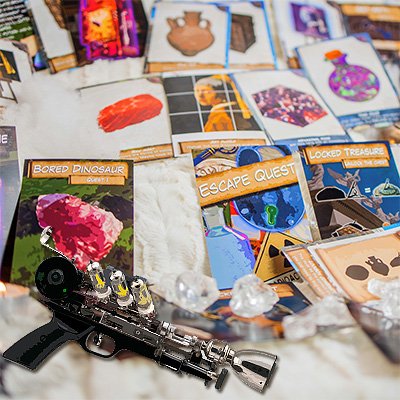
Your Time-Traveling Adventure Begins
It started when you woke up somewhere completely unexpected. Now you're off on a madcap, time-traveling adventure! Find items and solve puzzles in each era to fix the T.I.M.E. Machine and return home.

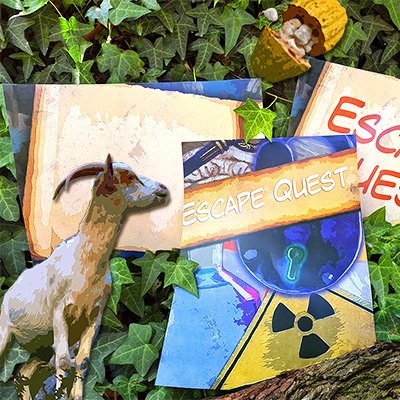
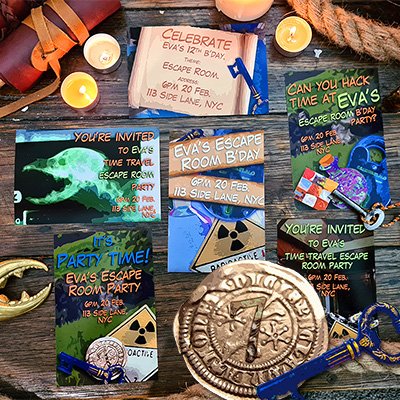

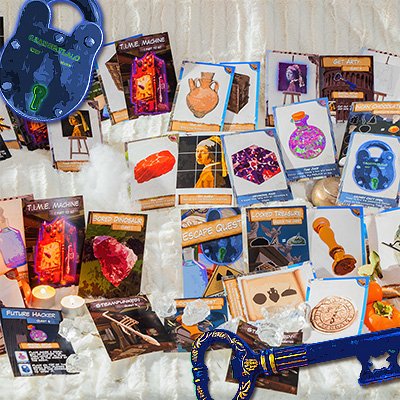
You're the Host. As the host of this event, you'll prepare everything in advance so your house is ready for a time-traveling adventure. Keep scrolling for all the setup instructions, then you (or another adult) will guide the kids through the game by following the simple Quest Guide.
Summary Of Game Setup
This setup guide will take you through printing the kit, prepping the clue cards, and getting the escape party started by opening the Quest Guide.
How To Print The DIY Escape Kit
Print at Home
Open the PDF file Print at Home Version.pdf and print the escape kit on standard A4 paper at home, or take it to a printing/xerox shop.
The game is designed for teams of 1-5 players. Got a larger group? Just print the kit out several times and run it as a race.
- 1-5 players Print 1 copy
- 6-10 players Print 2 copies
- 11-15 players Print 3 copies
- 16-20 players Print 4 copies
Optional Posters & Party Invites
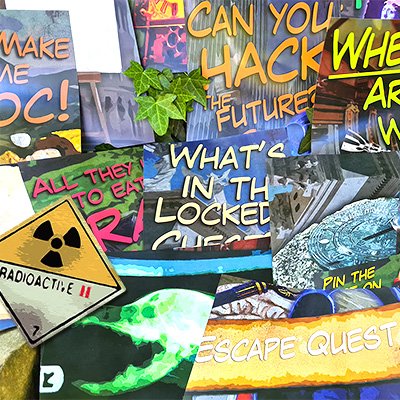
Escape Quest also includes optional posters and party invites to make the experience even more immersive. None are required to play, but if you want to go the extra mile, it's totally worth it. Invitations print as 4x6 photos, posters print as A4/Legal.
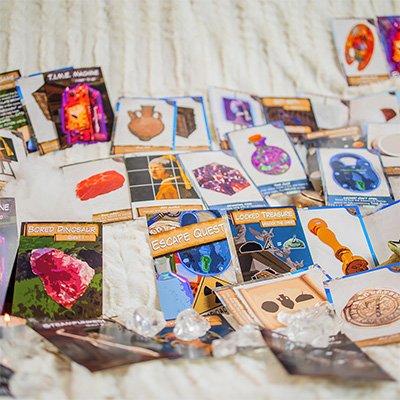
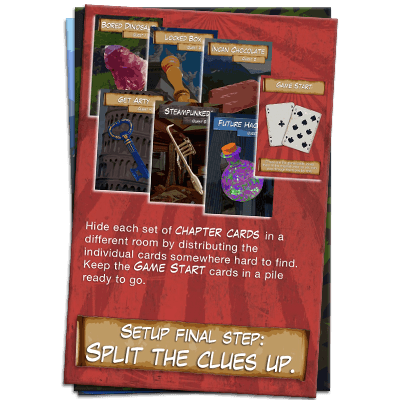
Prep The Clue Cards
Separate the cards for each quest into separate piles, they're already in the correct order, so just flip through until you find the divider cards shown here. You should end up with 6 piles of quest cards, plus a 7th stack you'll carry with you as you take the kids through the game. Set up the game in 6 different locations around your home, be creative and match the setting to the quest (the Bored Dinosaur quest works great outside). Follow the individual quest steps below.
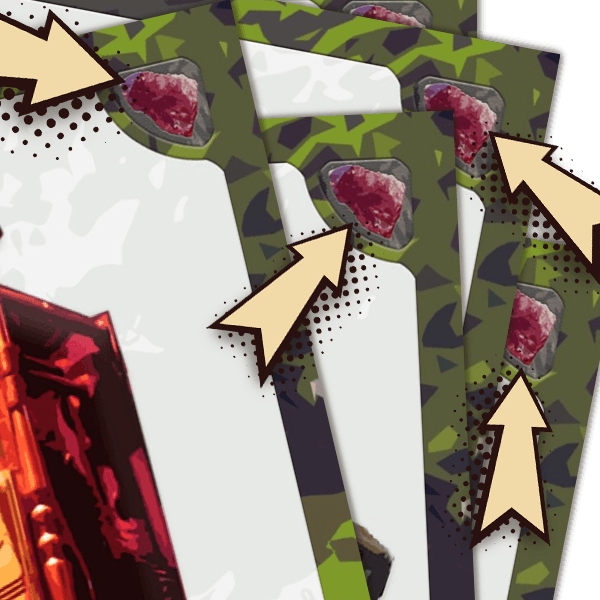
The cards have a symbol in the top corner to help identify which quest they belong to. Some of the cards are part of the pile you'll carry with you, so don't put these out during setup. Sometimes a photo printing place can really mess the order up, if that happens, you may need to open the Designer's Kit to get the correct order.
Setting Up Each Quest
1 & 2Bored Dinosaur & Incan Chocolate
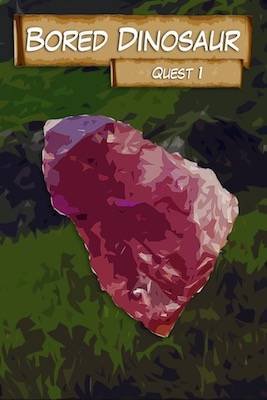
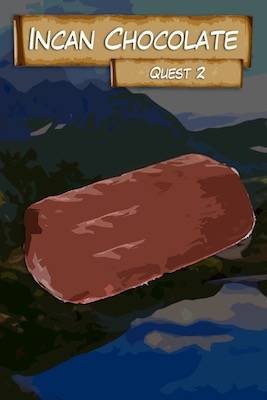
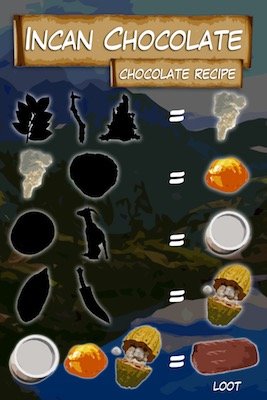
No special setup instructions here, just hide the cards around 2 different locations with varying difficulty. There are no puzzles in these quests, so the kids get used to how the game works. The title cards don't need to be hidden, tape them to the door or wall so you don't forget which room belongs to which quest.
Tip: adjust the difficulty for different ages by choosing easier or harder-to-find hiding spots.
3Locked Chest
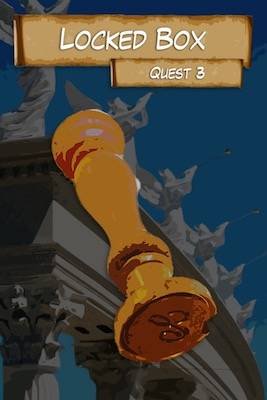
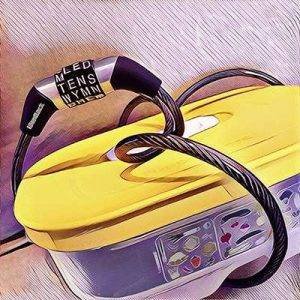
This quest has an optional mod where you replace the locked chest card with a real 3-digit combination lock. A bike chain around a kitchen tub or shoebox works great, set the combination to:
7524Get Arty
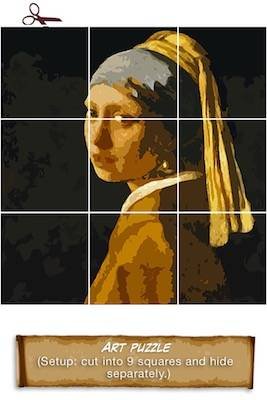
Cut the painting card into 9 squares and hide each one separately around the room, the kids will find and piece it back together.
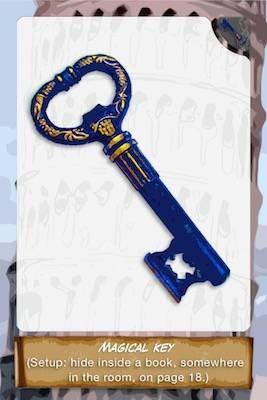
Also hide the key card inside a book on page 18, and place the book in plain sight, the 2 playing cards hint at how to find it.
5Steampunked!
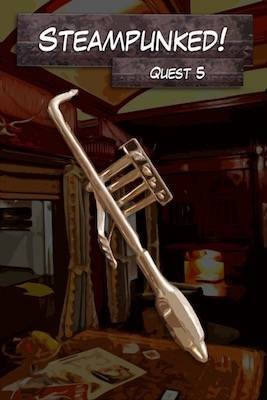
No special setup instructions here, just hide the cards around the location with varying difficulty.
6Future Hacker
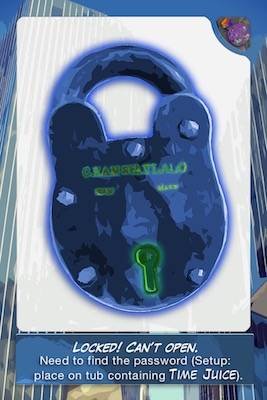
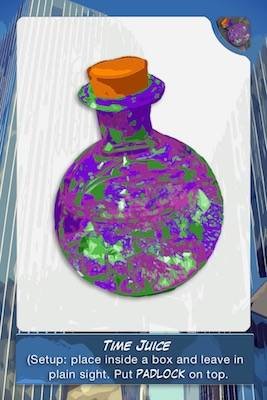
Time Juice: place the Time Juice card inside a small box, then leave it in plain sight in the middle of the room. Padlock: place the padlock card on top of the box, players need to find the combination before they can open it.
Optional: replace the padlock card with a real combination lock or bike chain, and set the code to:
1436+Remaining Cards
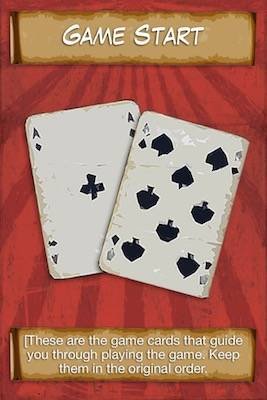
You'll carry the remaining cards with you as you take the kids through the game, handing out reward cards as they find objects, solve puzzles, and progress through the quests. For now, just keep all cards under the Game Start card, in the order they come in.
How To Solve Puzzles
Initially, the only challenge is for the kids to scavenge for puzzle cards and get used to how the game works. Although this seems too easy, it's a very deliberate part of Escape Quest's design, letting younger players jump right in without getting stuck. New puzzle types are added as the story progresses. As team leader, you'll guide them through each chapter, give hints, and let them know when they've solved a problem. When the game starts, follow the Quest Guide on your phone, it's all very simple to follow.
Get The Escape Party Started
When everyone is gathered, it's time to get this party started! Start the custom Spotify playlist on another device, there are 3 songs for each quest. If players need more time, go back and replay the songs, if they finish early, skip forward to the next set. When you're ready to begin, open the Quest Guide on your phone and prepare to lead your group through the perilous quests!
Start The Game (Quest Guide)
Tips For Larger Groups
Schools, Camps & Youth Groups
- Split the group into teams of 6-8 that race to finish first
- Each group can play simultaneously
- Teams need 1 adult leader to guide them using the Quest Guide on their phone, it has all solutions and hints
- It's a race to the finish, no timer needed unless your schedule requires one
- Make a big moment out of revealing the winning team